
AI receipt organizer for traveling teams
Send your receipts straight from your WhatsApp and Snappin extracts data and sync with your accounting tools.


Business trips create receipt chaos
After every trip, travelers return with dozens of paper receipts from hotels, taxis, meals, and flights.
Traveler collects receipts
Receipts get lost, or forgotten
Reimbursement denied
No installation. Send receipt on WhatsApp
Snappin AI fits right into your workflow. Just send receipts on WhatsApp and it takes care of the rest, reducing manual work, saving time, and keeping everything organized.

Goodbye to losing receipts
Switching between email and accounting tools leads to mistakes, delays, losing receipts and frustration.
Email receipts handled
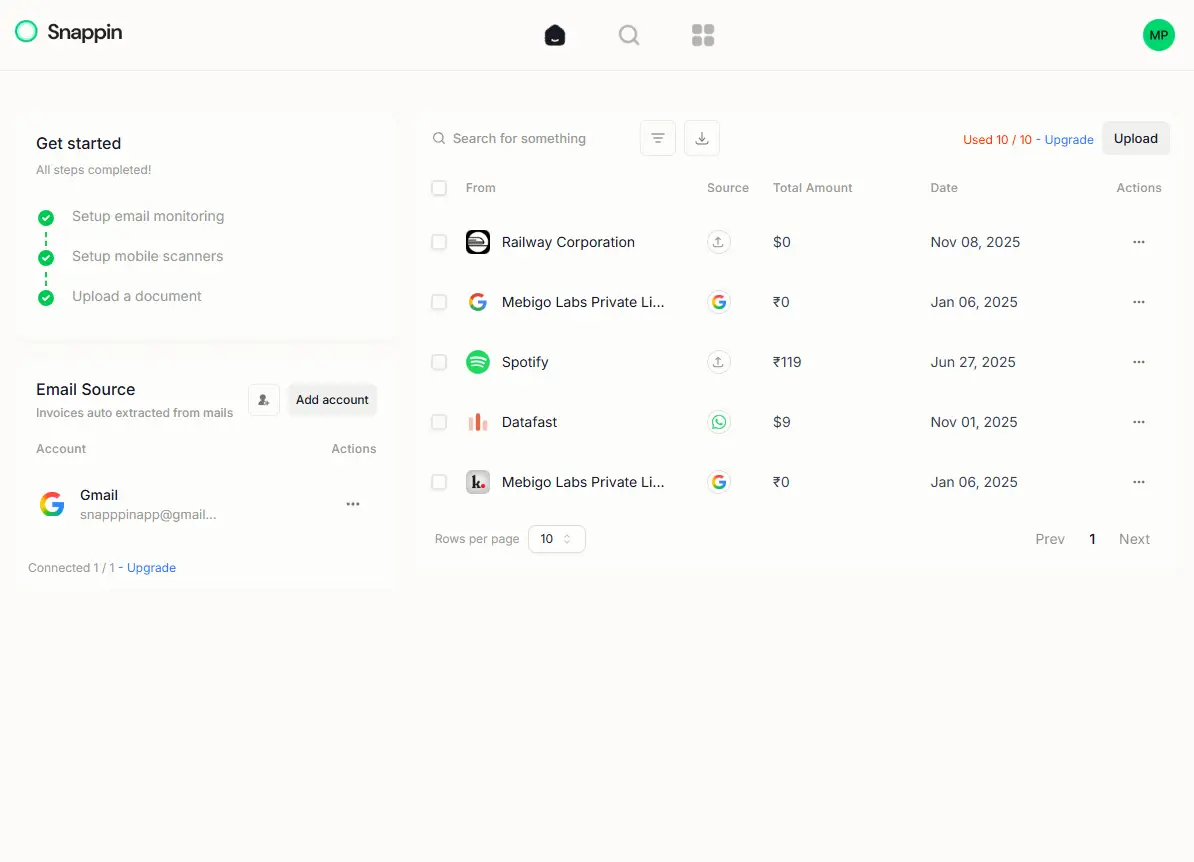
Connect your Gmail or Outlook. Snappin automatically finds and captures receipts from your inbox in real time, so nothing gets missed.
Physical receipts handled
Send a receipt photo via WhatsApp or upload it on the web. Snappin reads and extracts key details like merchant, amount, and date instantly.
Synced to your tools
Your receipts are automatically organized and sent to tools like QuickBooks, Xero, or Google Drive without any extra steps.
Export
Download all your receipts anytime as Excel or CSV, with clean data and attachments ready to use.
Receipt from email automatically collected No manual efforts required
Receipts keep filling inboxes, and important ones often get missed during expense tracking.

Connect your email
Link your Gmail or Outlook in one click. Snappin monitors your inbox for receipts automatically.
AI extracts the data
Vendor, amount, date, and category — pulled from every receipt and invoice without lifting a finger.
Synced with Xero
Expenses flow directly into Xero, ready for reconciliation. No manual entry, no copy-paste.
Frequently asked questions
Quick answers to common questions about pricing, privacy, setup, and more.